

Featured
Design System Basics
Buttons, forms, and spacing that stay neat.
DESIGN + CODE
Clear UI, CSS, HTML, Figma, and a11y guides for teams that ship websites fast. Learn the parts that matter, then use them in real work.

Featured stories
Buttons, forms, and spacing that stay neat.
Featured
Buttons, forms, and spacing that stay neat.

Code

Guide

Build clean card rows with two short rules.

Pass type, spacing, and states to devs.

Write labels and errors that make sense fast.

Guide
Guide

Read now
Read now
Topics
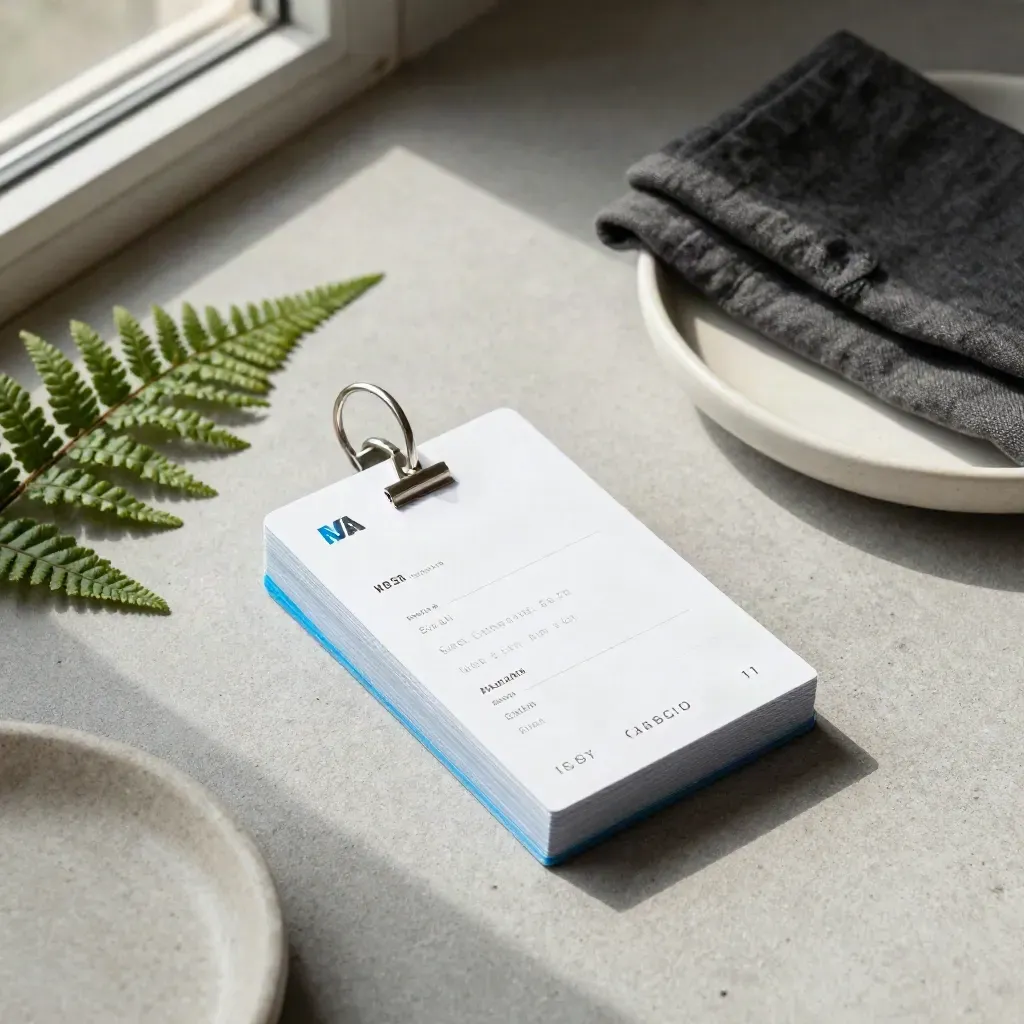
Small code blocks for spacing, grids, and cards.
GUIDE
Small code blocks for spacing, grids, and cards.

TIPS
Short labels, empty states, and buttons that help.

GUIDE
Share type, spacing, states, and asset names with devs.

TIPS
Fix contrast, focus order, form labels, and motion.
guides and snippets
guides and snippets
CSS patterns covered
CSS patterns covered
design system topics
design system topics
Community
“The CSS notes are short, clear, and easy to use in real builds.”
Maya Singh
Product Designer
“I fixed our Figma handoff in one afternoon with the layout tips.”
Lewis Grant
Frontend Dev
“The a11y guides helped our team spot gaps before launch.”
Noor Patel
Design Lead
Spotlight
Labels, hints, errors, and focus states that make forms easier to use.

Feature
Labels, hints, errors, and focus states that make forms easier to use.

Hover, focus, disabled, and active states in one simple set.
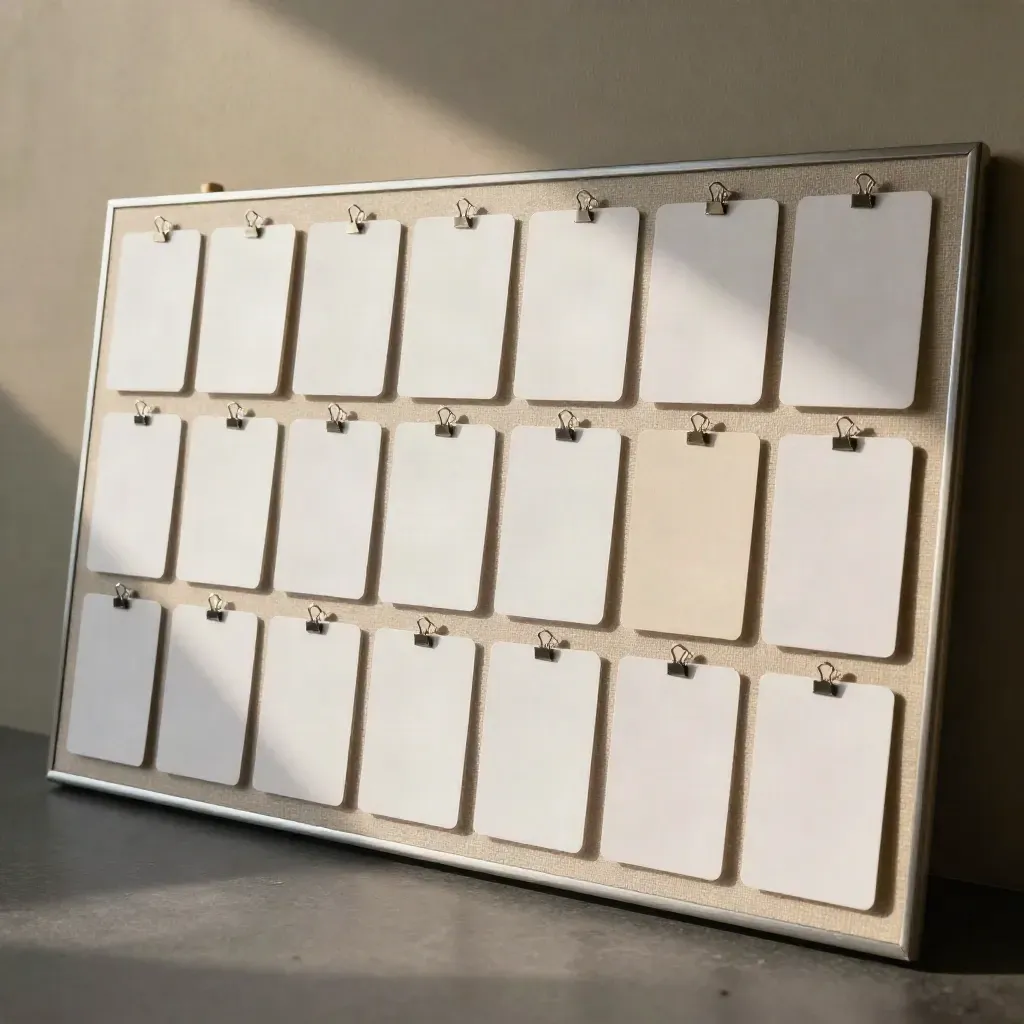
Keep cards even, tidy, and easy to scan on small screens.
New
Name type, color, and spacing so handoff stays clean.

Use the right names for icons, menus, and dialogs.

Use real lists for nav, feeds, and grouped actions.

Pick sizes that stay clear across phones and laptops.

A starter set for small teams in London, Leeds, and Bristol.
Journal




Questions
Quick answers before visitors choose a product, service, or next step.
We publish UI design and front-end guides on CSS, HTML, Figma handoff, design systems, and accessibility.
It is for designers, frontend developers, and teams who want clear, practical notes they can use on real work.
Yes. Each post uses short steps, plain words, and small code samples so you can follow along fast.
Yes. We write for UK teams and use examples that fit common local site needs, content, and access rules.
Yes. The CSS and HTML snippets are made for real projects, with notes on edits and safe use.
Join the newsletter or read the journal page. New guides land there first, with no long sign-up forms.
Get one clear guide each week on UI, CSS, HTML, Figma handoff, and accessibility. No noise, just useful notes for designers and frontend teams.